Operations Agent › Marketing Agent


Products to Audiences,
Powered by Data

Merchandisers / Product & Marketing Teams

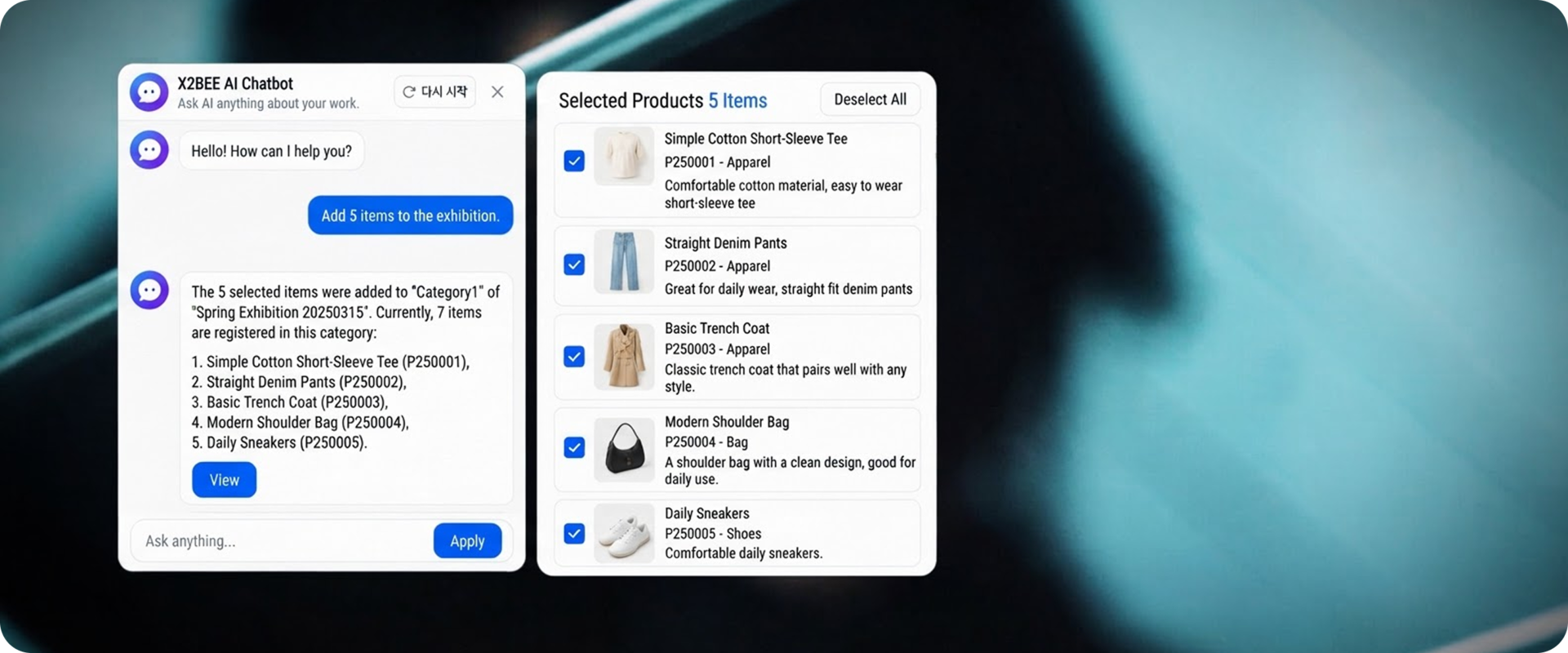
AI Product Setup,
Required Fields Too 


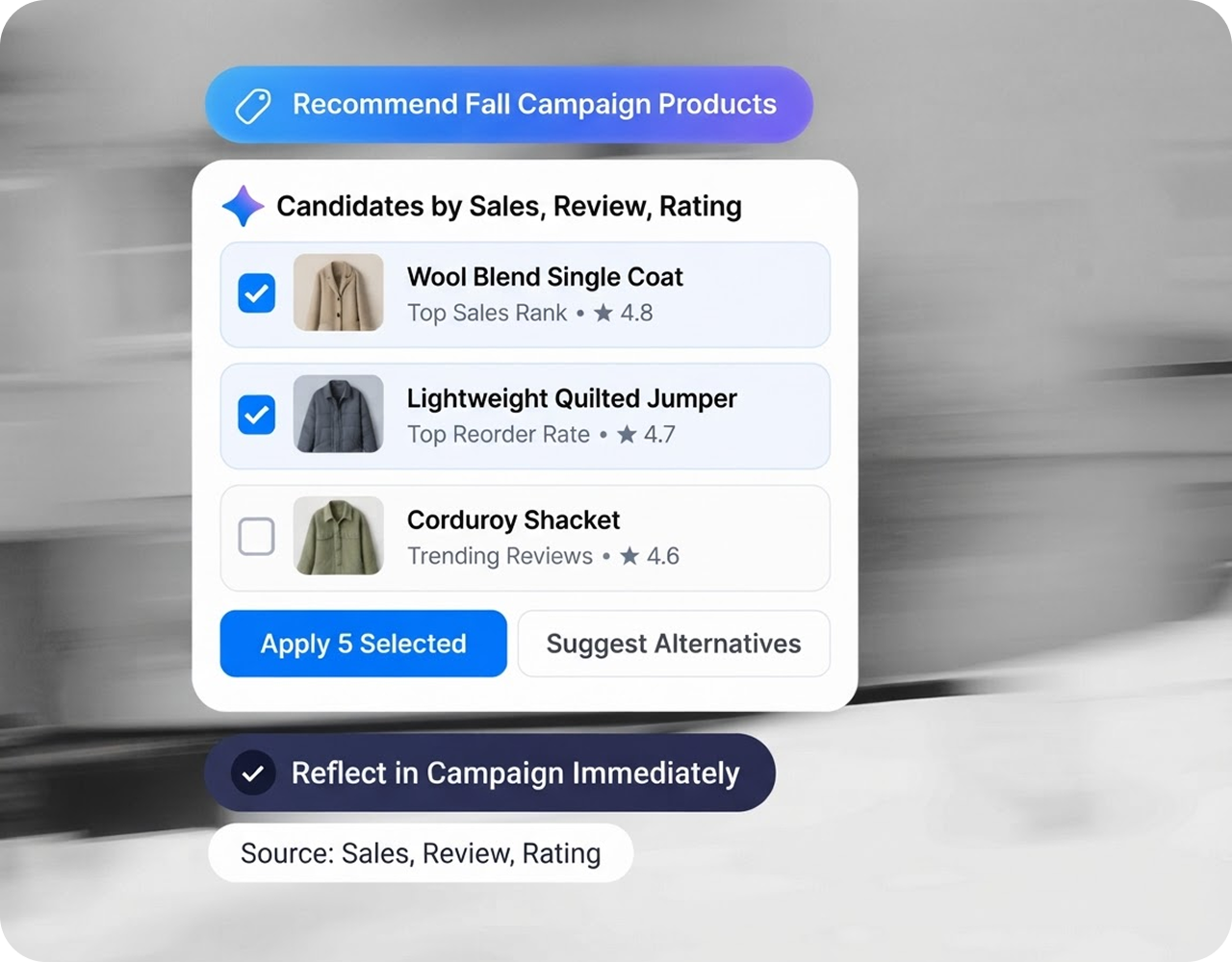
STEP 1. Enter a theme and criteria   

Enter a theme such as “Fall Outerwear” and your selection criteria. 


STEP 2. Generate a shortlist  

AI selects candidates based on sales, reviews and ratings. 

STEP 3. Include, exclude and apply  

Choose products and apply them directly to your campaign. 

AI Store Layouts,
No Development


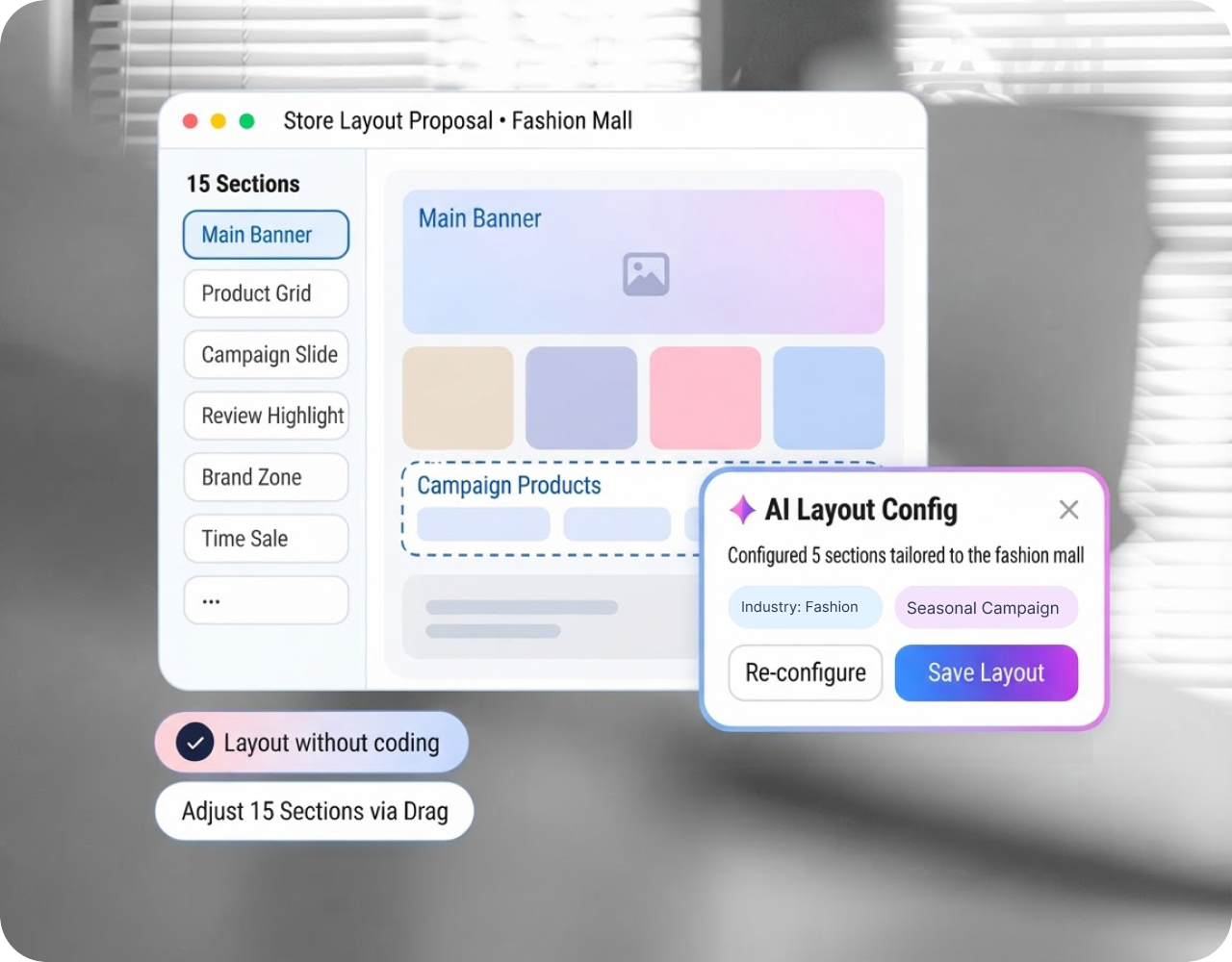
STEP 1. Open the canvas  

Start building your merchandising layout on a blank canvas. 


STEP 2. Generate a layout with AI  

AI creates a section layout and applies it to the canvas. 

STEP 3. Adjust by dragging  

Drag and arrange 15 types of sections yourself. 

AI Segments,
Define Your Target 


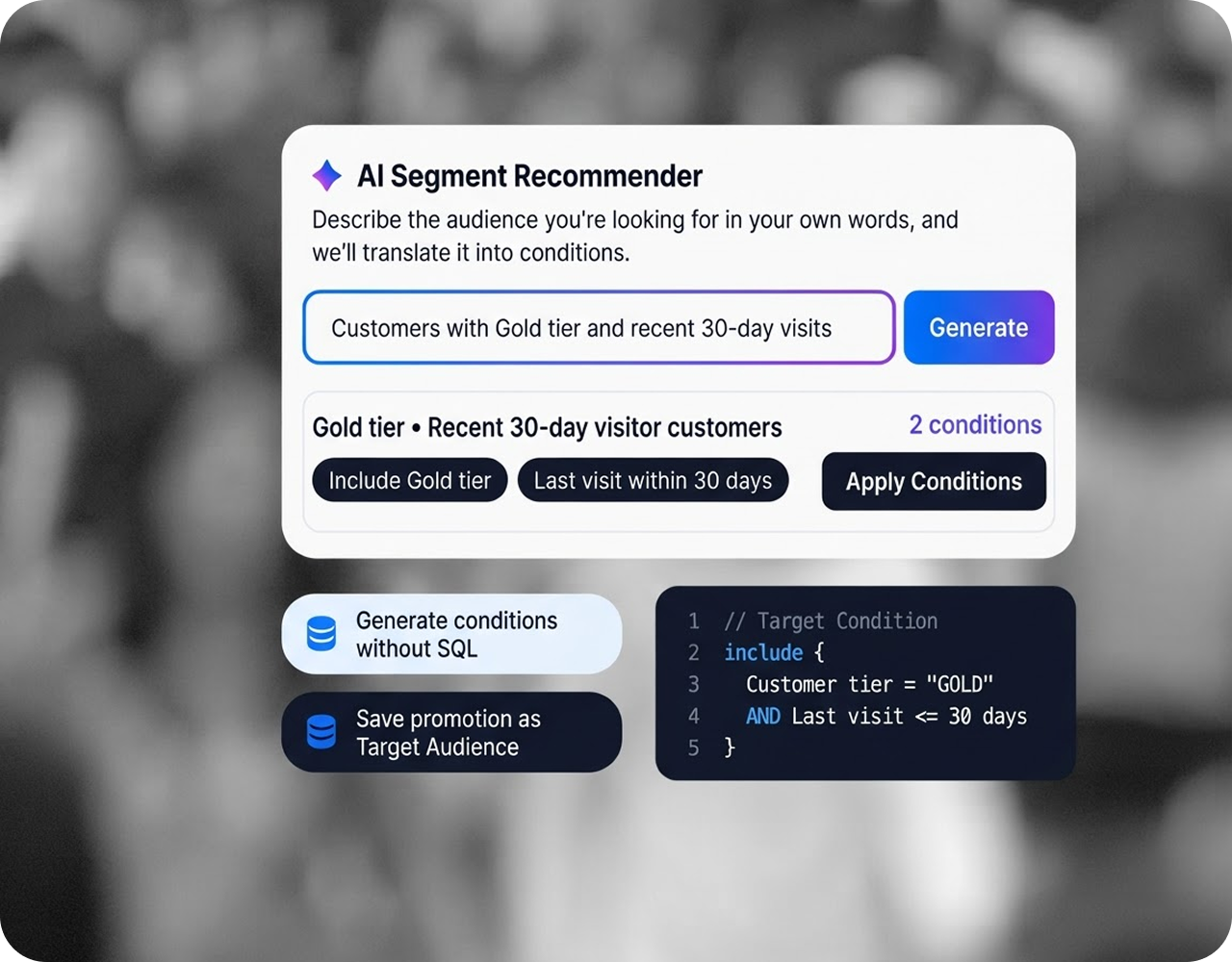
STEP 1. Describe your criteria  

Describe customers, such as “Visitors from the past 30 days.” 


STEP 2. Convert to segment rules  

AI converts your request into segment rules and identifies matching customers. 


STEP 3. Save the segment  

Save the segment and use it to target promotions. 

mobile background

OUTCOMES

Business Impact 

mobile background

Start Your Next Campaign
with an AI Draft 


Tell us how you run campaigns and segments, and we’ll recommend where AI can help.

Terms of Use

Plateer Inc.  

6F, H Business Park Bldg. D, 26 Beopwon-ro 9-gil, Songpa-gu, Seoul, Korea

CEO: Sanghoon Lee  |  Business Registration No.: 114-86-42166

© 2021 Plateer Inc. All Rights Reserved.