Operations Agent › Product Agent


List, Showcase, Improve—
Product Work with AI  

Customer 

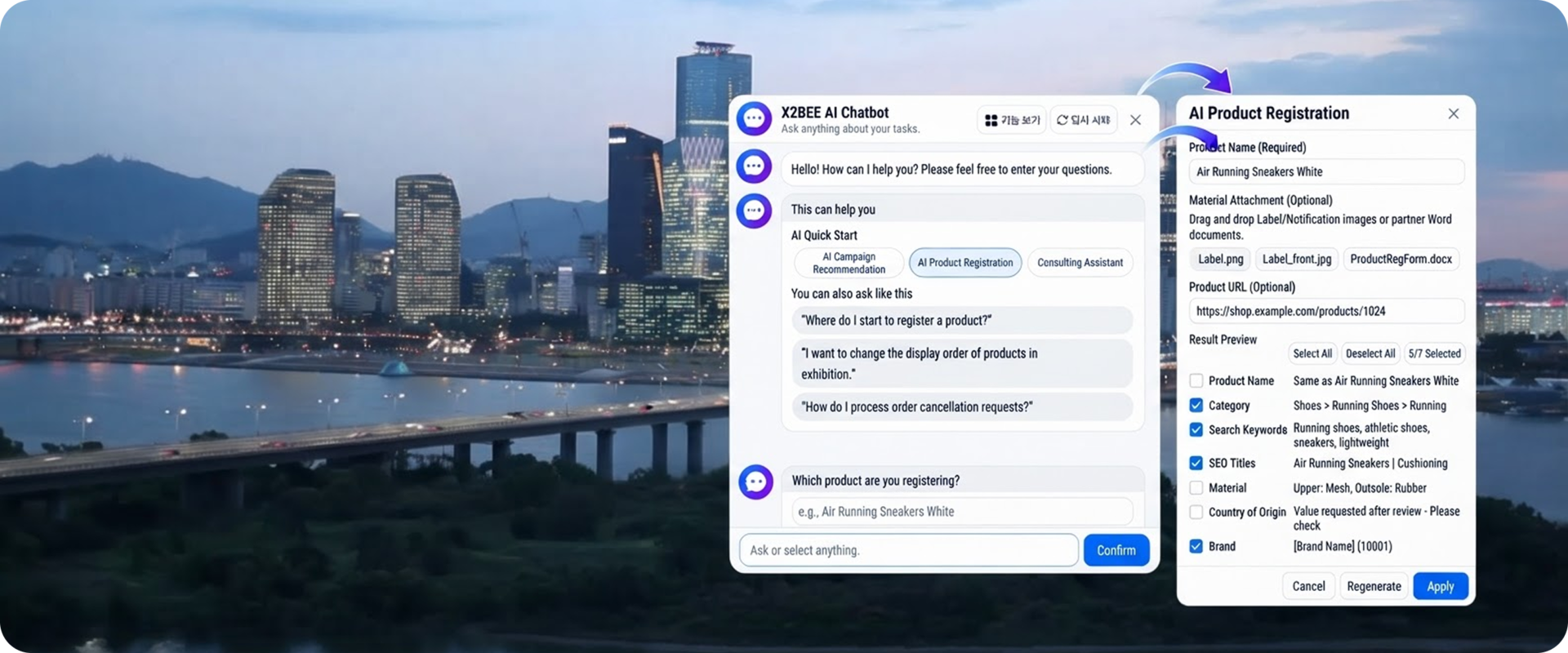
AI Product Setup,
Required Fields Too 


STEP 1. Add source materials  

Provide a product name, URL or files such as label photos and supplier documents. 

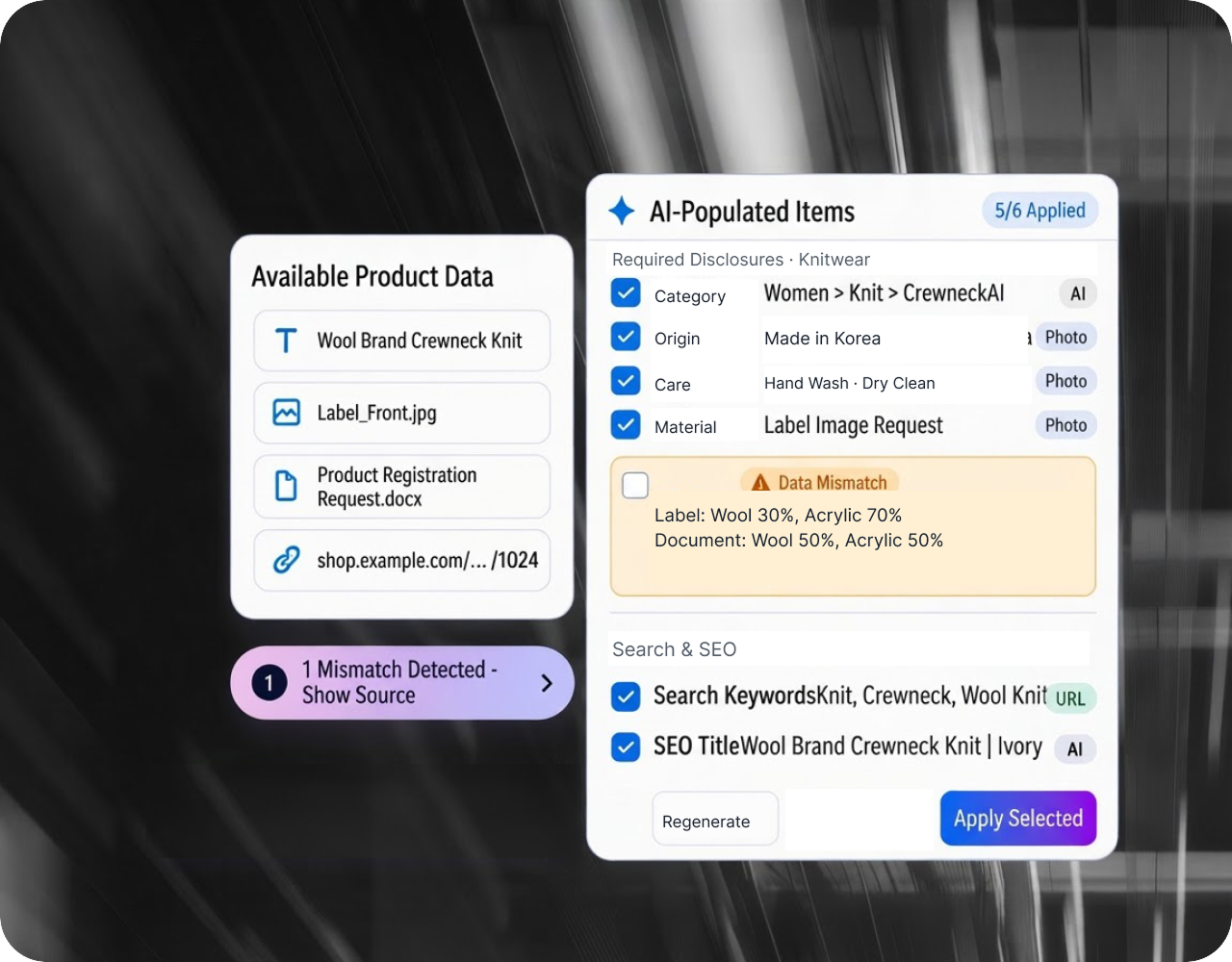
STEP 2. Generate field values 

Fill category-specific disclosures, search keywords and SEO copy. 

STEP 3. Review and apply 

Spot conflicting sources and apply only the fields you need, with source references. 

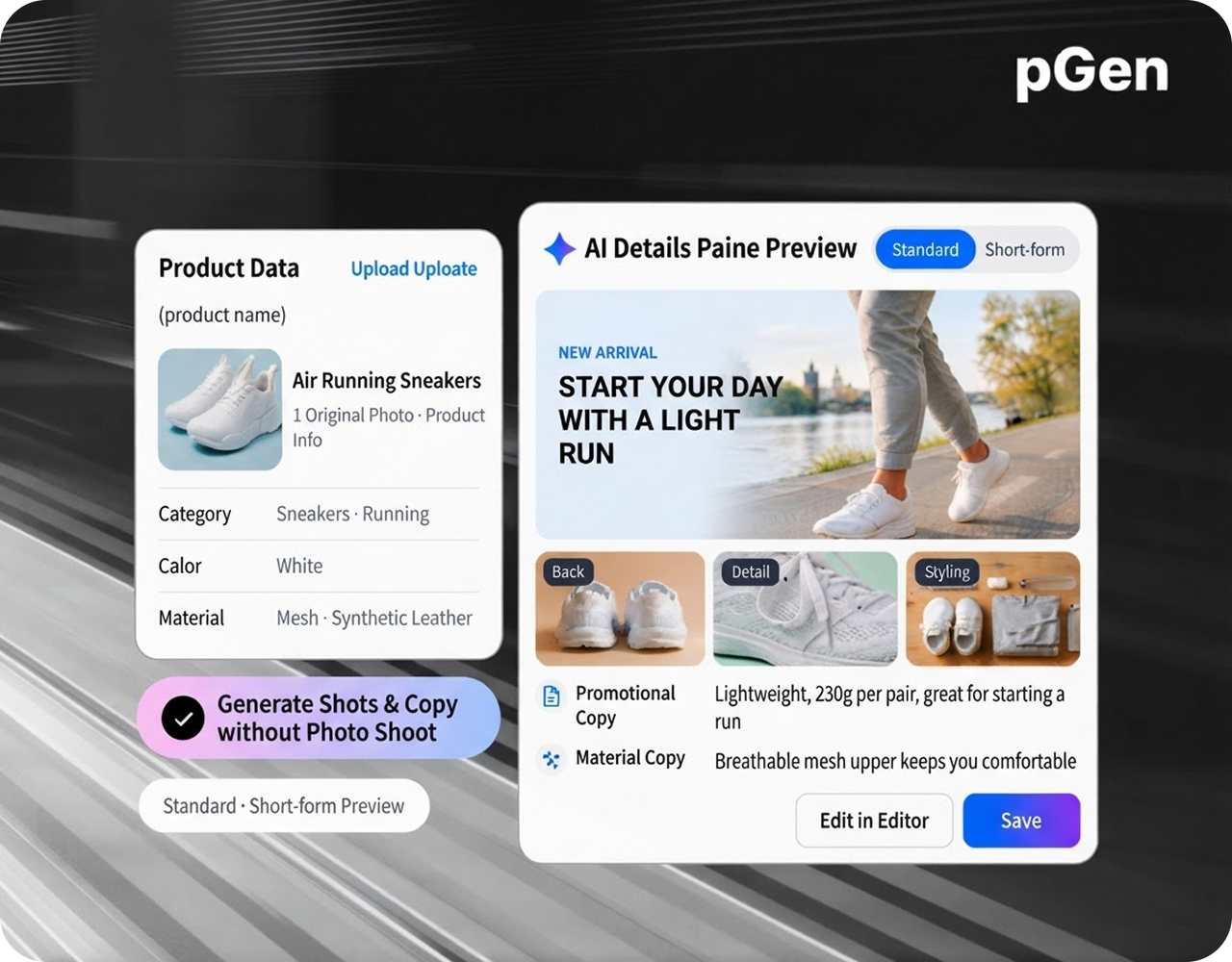
AI Product Pages,
No Design Needed 


STEP 1. Upload product materials 

Upload product information and images to populate the basic details. 

STEP 2. Generate images and copy 

AI creates styled product images and promotional and material descriptions. 

STEP 3. Preview your page 

Preview standard and short versions, edit them and save. 

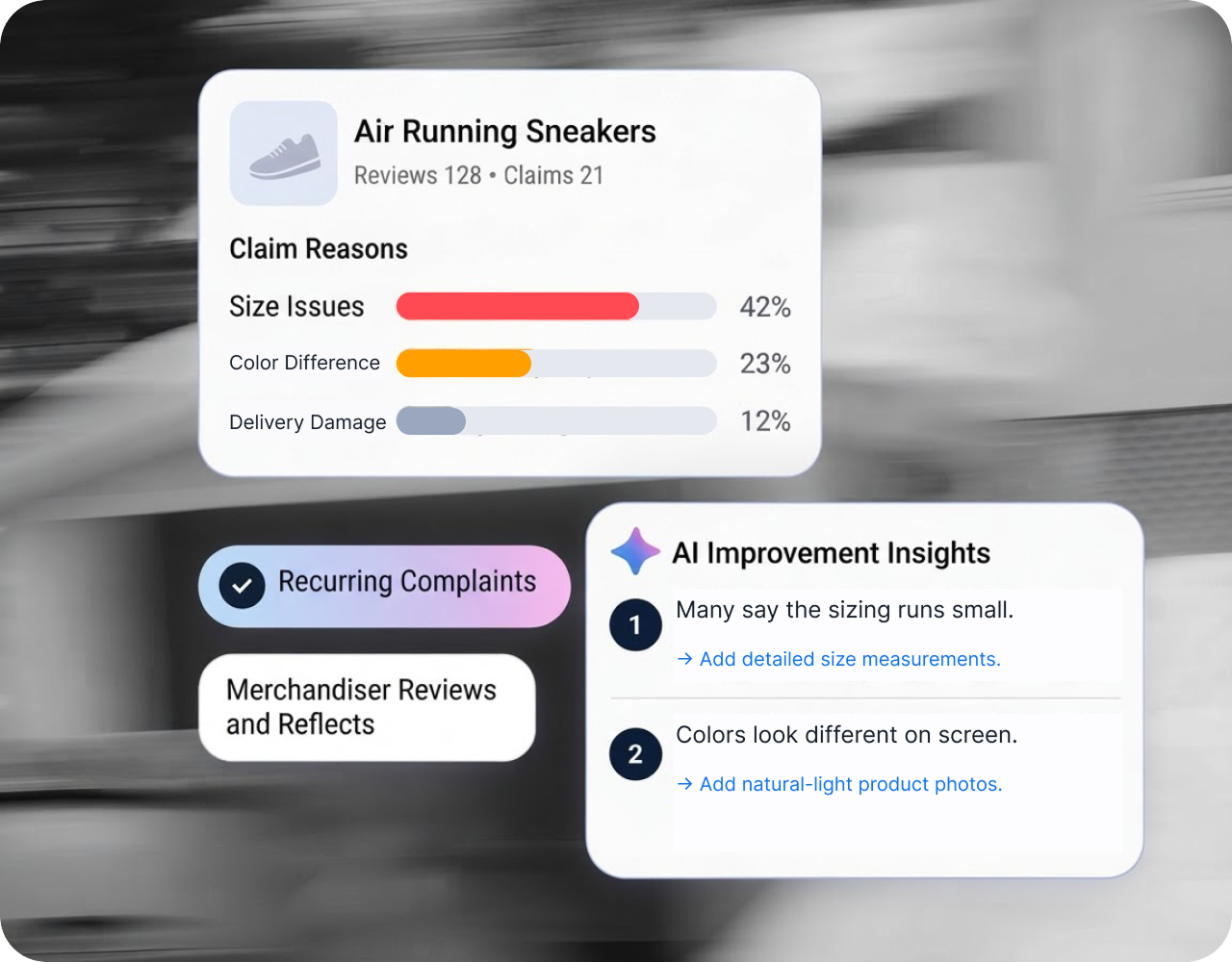
AI Product Analysis,
Review Insights 


STEP 1. Select a product 

Choose the product you want to analyze. 

STEP 2. Collect reviews and claims 

Gather product reviews and reasons for claims. 

STEP 3. Analyze with AI 

AI finds recurring complaints and opportunities for improvement. 

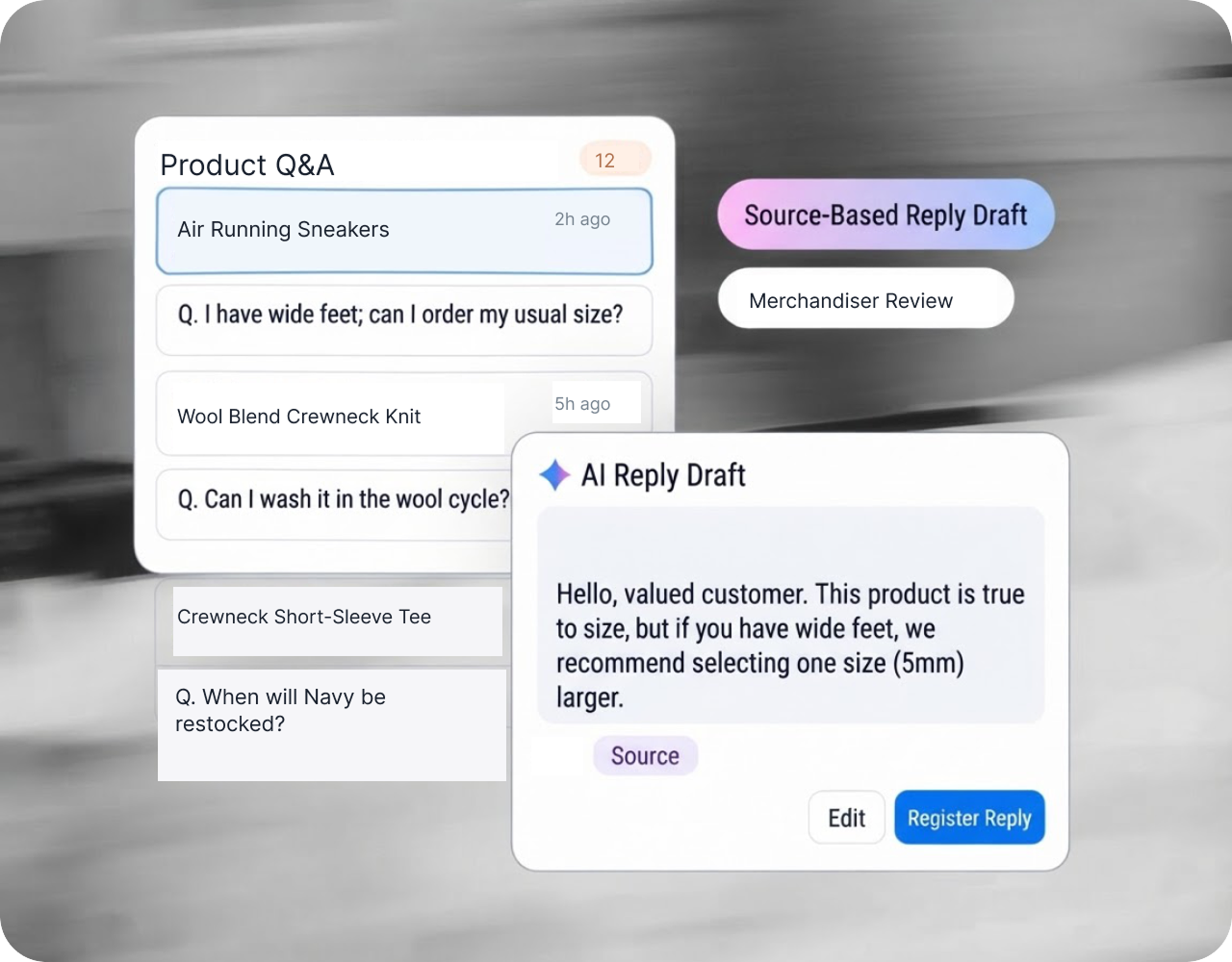
AI Q&A Replies,
Respond Faster  


 STEP 1. Review inquiries 

See product questions that are waiting for a reply. 

STEP 2. Generate a draft 

AI drafts a reply using product information and previous responses. 

STEP 3. Review and edit 

A merchandiser reviews, edits and publishes the reply. 

mobile background

OUTCOMES

Business Impact 

mobile background

How Much Time Could You Save
on Product Registration? 


We’ll assess where AI fits into your current registration process. 

Terms of Use

Plateer Inc.  

6F, H Business Park Bldg. D, 26 Beopwon-ro 9-gil, Songpa-gu, Seoul, Korea

CEO: Sanghoon Lee  |  Business Registration No.: 114-86-42166

© 2021 Plateer Inc. All Rights Reserved.